

Seedream Pro
10 free credits for new accounts, no credit card needed

Seedream 5.0 & 4.5 AI Image Generator

Seedream Pro is an online studio for ByteDance's image models: 5.0 Pro, 5.0 Lite, 4.5, 4.0 and 3.0 in one version bar, plus Seedance video. It opens on version 4.5, free at 2K, with 4K from the Basic plan. Made for online sellers, content creators, teachers and in-house marketing teams.

See Plans

Four Ways to Work in Seedream Pro

Each card leads to a page built around one kind of job.

Lay Out Text-Heavy Designs with Seedream 5.0 Pro
01 / 04

Lay Out Text-Heavy Designs with Seedream 5.0 Pro

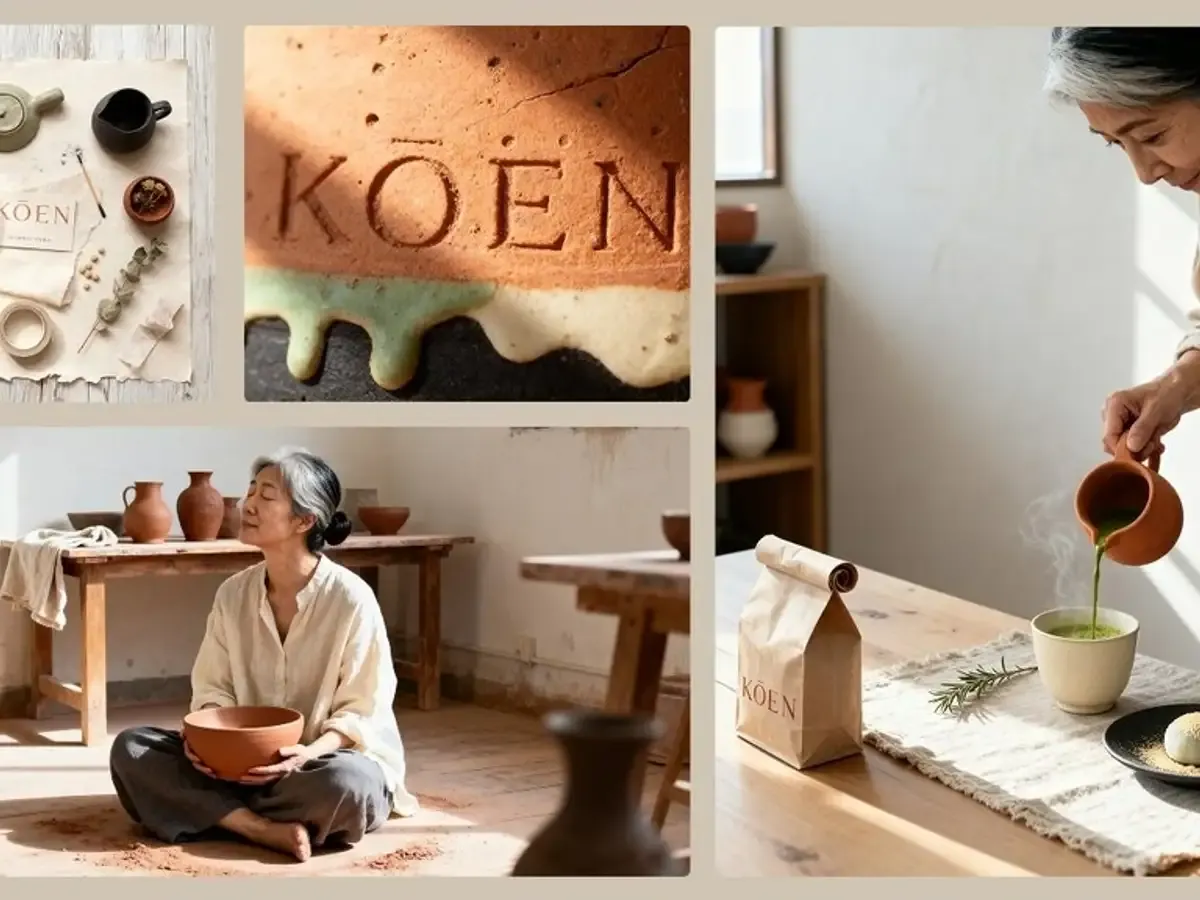
Put headline and label copy in quotes and let 5.0 Pro place it in posters, menus and diagrams. The same version can split a finished image into layers. It starts on the Basic plan and outputs at 1K or 2K.

Start Free on Seedream 5.0 Lite
02 / 04

Start Free on Seedream 5.0 Lite

Write a prompt or upload up to 14 reference images and get a 2K result on the free plan. When a file is headed for print or a large screen, switch to 4K from Basic.

Pick Between Lite and Pro on One Prompt
03 / 04

Pick Between Lite and Pro on One Prompt

Not sure which 5.0 version suits the job? The 5.0 overview page sets out the differences and lets you run the same prompt on both versions before you decide.

04 / 04

Turn a Still into a Seedance Clip

Download an image from My Creations and upload it as the first frame in the Seedance studio. Seven Seedance versions handle motion, frames and generated sound, starting on the Basic plan.

How Seedream Pro Turns a Prompt into an Image

The independent Seedream studio on this site runs ByteDance's models through an API. Start with a prompt of at least three characters, and add reference images if you want to edit or combine photos. Pick a version in the version bar; the studio opens on 4.5. Then set the aspect ratio, the resolution and, on version 4.0, how many images to make. The credit cost appears before you press Generate. Credits are taken when the job starts and returned automatically if it fails. Finished images land in My Creations, ready to download or reuse as references. Video is a separate studio: Seedance turns a still into a short clip on a paid plan.

Seedream Pro sample: Y2K collage of a girl drawing stars

What Seedream Pro Can Do in One Studio

Three kinds of work, all from the same version bar.

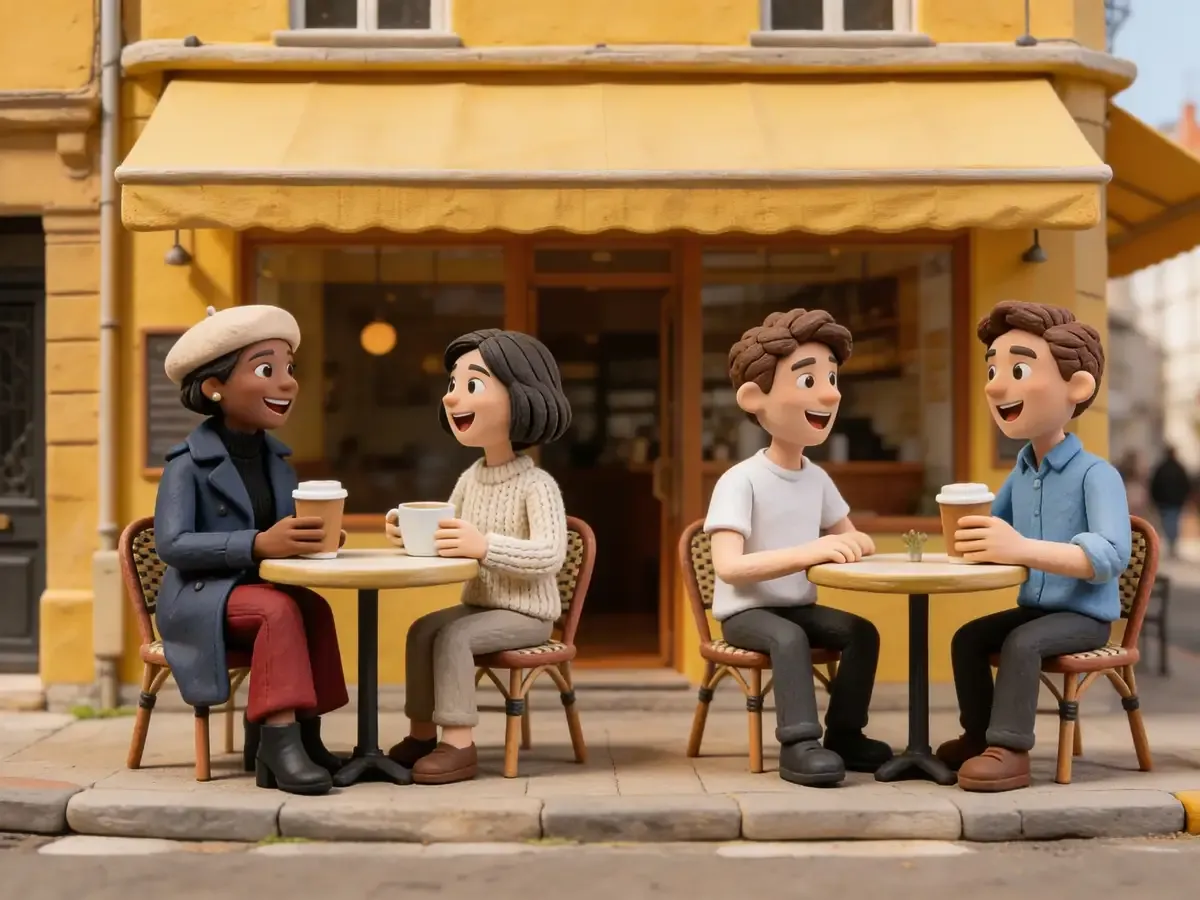
Seedream Pro sample: Clay characters at a cafe

Text to Image on Every Seedream Version

All five versions build an image from a prompt alone. Versions 4.5, 5.0 Lite and 5.0 Pro offer eight aspect ratios and 4.0 offers nine presets, all including 21:9; 3.0 keeps six standard sizes. Prompt limits are 3,000 or 5,000 characters, depending on the version.

Details

  • Long Prompts

    Up to 5,000 characters on 4.0, 3.0 and 5.0 Pro.

  • 21:9 Banners

    On 4.0, 4.5, 5.0 Lite and 5.0 Pro.

  • Six Images per Run

    Version 4.0 only; more than two need Basic.

Six Things the Studio Gives You

Capabilities that hold across the versions, with the limits that apply.

01

Five Versions, One Studio

5.0 Pro, 5.0 Lite, 4.5, 4.0 and 3.0 share one prompt box.

02

Up to 4K

On 4.5, 5.0 Lite and 4.0, from Basic.

03

One to Six Images

Version 4.0 returns a set in one run.

04

14 Reference Images

The largest edit input, on 4.5 and 5.0 Lite.

05

Ultrawide 21:9

For banners and headers on four versions.

06

Layer Decomposition

5.0 Pro splits a finished image into layers.

Basic+

Seedream 5.0 Pro

Text-dense layouts and Layer Decomposition at 1K or 2K, from the Basic plan.

Three Steps to Your First Seedream Image

The same flow on every version.

  1. 01
    Step

    Write the Prompt

    Name the subject, setting, light and framing; put any on-image text in quotes.

  2. 02
    Step

    Pick Version and Settings

    Choose a version, aspect ratio and resolution, and check the credit cost.

  3. 03
    Step

    Generate and Download

    Save from My Creations, or reuse the result as a reference for the next edit.