
Seedream Pro

What You Can Finish with Seedream 5.0 Pro

Seedream 5.0 Pro starts on the Basic plan. On the free plan, switch the version bar to 5.0 Lite and try your prompt there first.

Bilingual Visit Tokyo travel poster
01 / 03

Lay Out a Text-Heavy Poster

Write the headline, date and venue in quotes and ask for a poster at 2K. The copy lands inside the design, so your job is checking spelling, not building the layout by hand.

Pottery brand campaign set
02 / 03

Split a Finished Design into Layers

Upload one image to Layer Decomposition and name the parts you want separated, such as the product, the title and the backdrop, and get separate layers you can keep editing.

One lamp in four room settings
03 / 03

Restyle a Product Shot from References

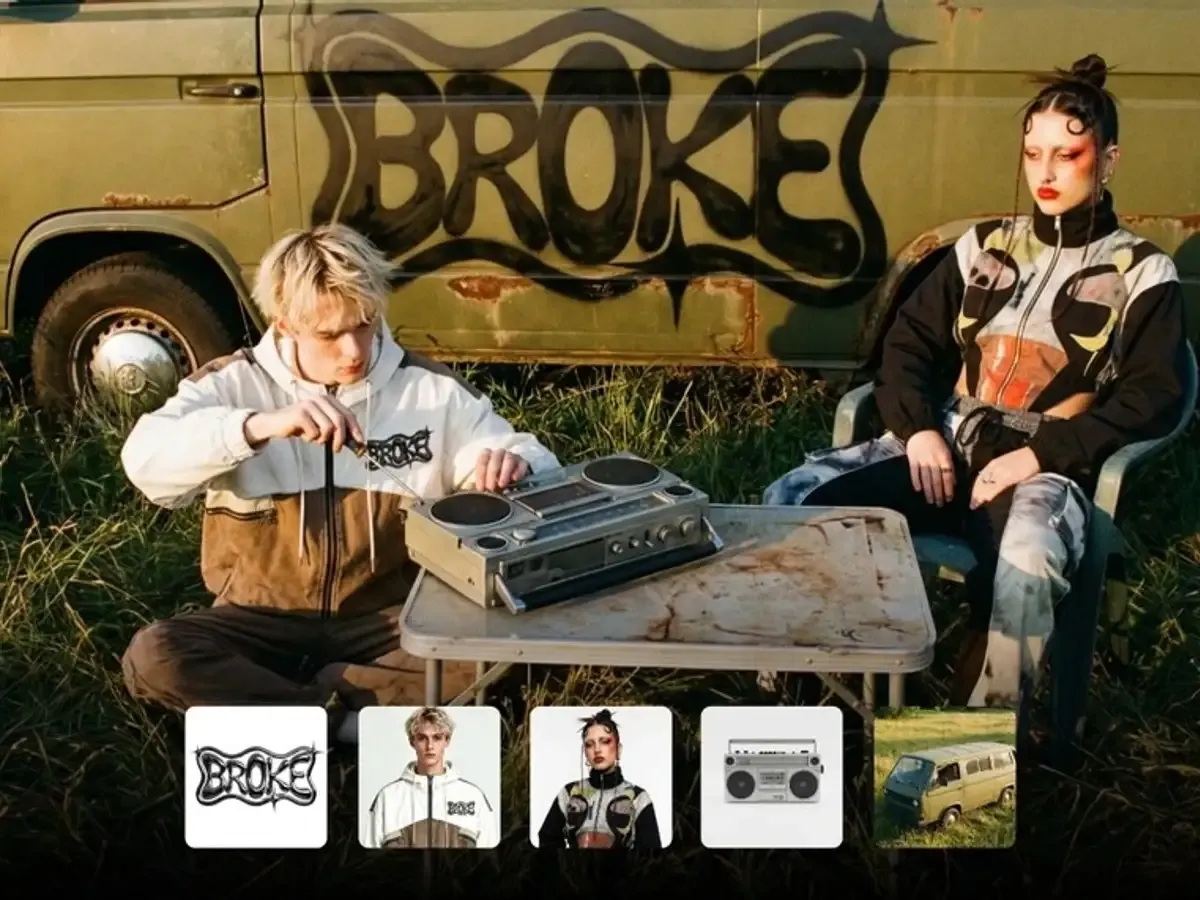
Load up to 10 reference images into Image Edit, then describe the new material, colour or background. The product stays recognisable while the scene changes. Selling with the result needs Business-level access.

How Seedream 5.0 Pro Works on This Page

Seedream 5.0 Pro works in three modes, and this page opens with it selected. Text to Image builds a picture from a prompt of up to 5,000 characters, at 1K or 2K in eight aspect ratios. Image Edit takes a prompt plus up to 10 reference images and changes what you describe. Layer Decomposition takes one source image and a short description of the parts to separate, with a size of 1K, 1.5K or 2K. A prompt is required in all three modes. The credit cost shows before you generate, and results are saved to My Creations. Seedream 5.0 Pro tops out at 2K and starts on Basic; for 4K, more references or free runs, switch to 5.0 Lite or 4.5.

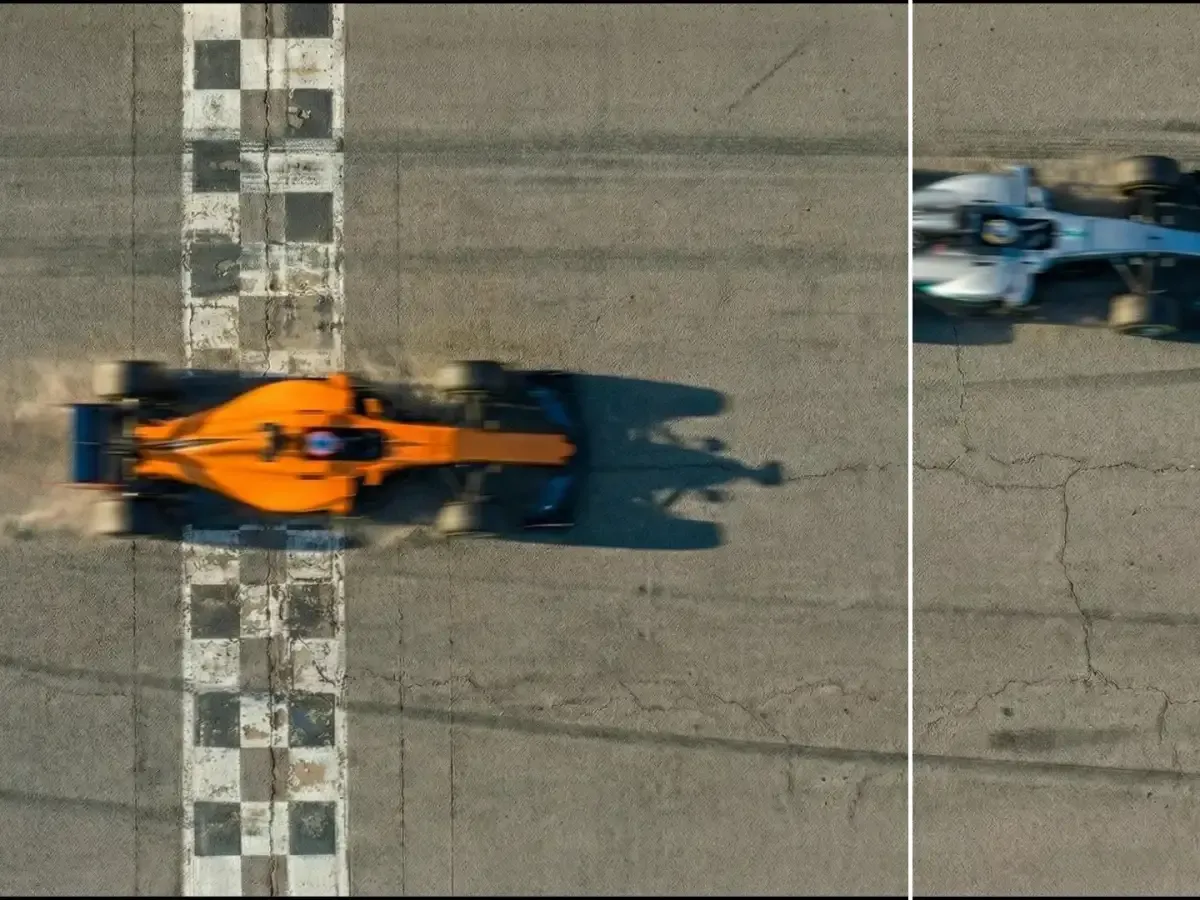
Seedream Pro sample: Vintage car under red neon

Three Seedream 5.0 Pro Modes

Each tab is a separate mode inside the Seedream 5.0 Pro version.

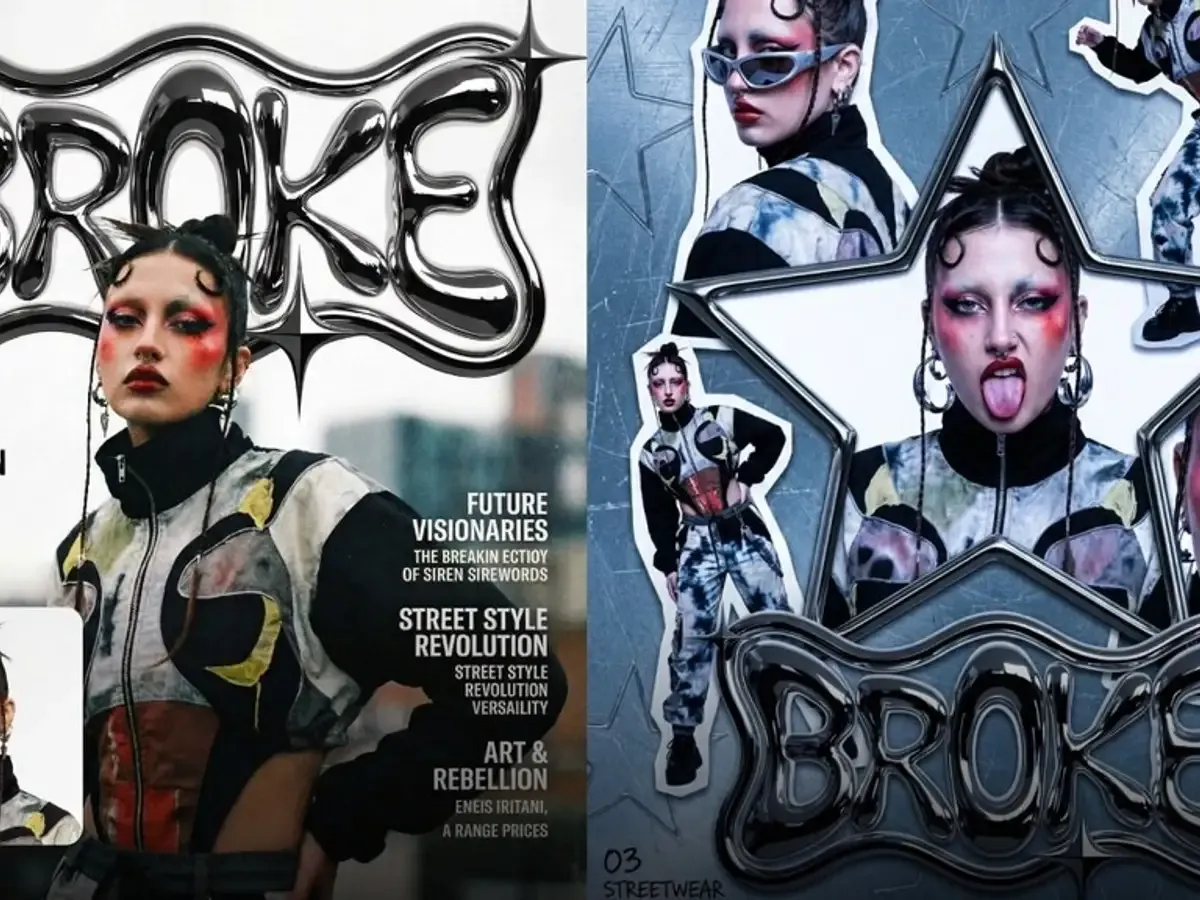
Seedream Pro sample: Two street-style magazine covers

Text to Image for Text-Dense Layouts

ByteDance positions Seedream 5.0 Pro for information-heavy design: infographics, menus, posters and diagrams where the words matter as much as the picture. Put each line of copy in quotes and keep lines short.

Details

  • 5,000-Character Prompts

    Room for a full layout brief.

  • Copy in Several Languages

    Ask for text beyond English.

  • Eight Aspect Ratios

    From 1:1 to 21:9.

Seedream 5.0 Pro Specifications

Six settings you get when Seedream 5.0 Pro is selected.

01

1K or 2K Output

Two resolution steps for every run.

02

Eight Aspect Ratios

1:1, 4:3, 3:4, 16:9, 9:16, 2:3, 3:2 and 21:9.

03

Ten Reference Images

The Image Edit input limit.

04

5,000-Character Prompts

Long briefs for detailed layouts.

05

Layer Decomposition

Split one image into separate layers.

06

Lite and 4.5 Nearby

Switch versions without leaving the page.

Who Uses Seedream 5.0 Pro

Three groups, two workflows each. Published brand, editorial and catalogue images need Business-level access.

Posters in several languages

Brand Designers · Build a Bilingual Campaign Poster

Put an English headline and a second-language subline in quotes and render at 2K in 3:4. Proofread every word before print.

Typical runs

  • Event poster in English and Spanish
  • Shop window sign with a short slogan
  • Bilingual product launch banner
  • 21:9 web header with a tagline
Designer at a pen tablet

Brand Designers · Swap the Product in an Approved Poster

Split the signed-off poster with Layer Decomposition, naming the product as its own layer, then place the new product with Image Edit.

Typical runs

  • Seasonal flavour on a drinks poster
  • New colourway in a sneaker ad
  • Updated offer badge on a promo
  • Background change behind a logo
Labelled diagram on a whiteboard

Teachers and Editors · Explain a Topic with a Labelled Diagram

Ask Seedream 5.0 Pro for a diagram with each label in quotes. Use 16:9 for slides and 3:4 for handouts.

Typical runs

  • Plant cell with six labels
  • Water-cycle diagram for a slide
  • Annotated map of a trade route
  • Labelled cross-section of an engine
Sticky notes mapping a process

Teachers and Editors · Turn a Process into a Flowchart

List each step or date in order and ask for a flowchart or timeline, instead of drawing boxes and arrows by hand.

Typical runs

  • Five-step lab procedure
  • Timeline of a historical period
  • Chapter summary chart for a book
  • Onboarding process map
Photo studio for catalogue shots

Catalogue Editors · Match a Batch of Product Images

Upload a reference shot that sets the look plus the new product photo, and describe the shared background and light. Repeat per item.

Typical runs

  • Ten bottles on one marble set
  • Matching light across a shoe range
  • Shared backdrop for a gift guide
  • Same angle for every handbag
Studio backdrop for product photos

Catalogue Editors · Move a Product onto a New Background

Separate the product from a cluttered photo with Layer Decomposition, then set it on a clean or seasonal backdrop.

Typical runs

  • Product on plain studio grey
  • Winter catalogue backdrop
  • Outdoor scene for a camping range
  • 1:1 version for marketplace tiles

How to Use Seedream 5.0 Pro

Three actions from mode choice to download.

  1. 01
    Step

    Choose a Mode

    Seedream 5.0 Pro is preselected; pick one of its three modes.

  2. 02
    Step

    Write and Set

    Describe the result, quote any on-image text and choose 1K or 2K.

  3. 03
    Step

    Generate and Save

    Check the credit cost, generate and download from My Creations.

Seedream 5.0 Pro FAQ

Origin, cost, resolution and modes.

What is Seedream 5.0 Pro, and who makes it?

Seedream 5.0 Pro is an image model from ByteDance's Seed team. According to the Seed team's official blog, it launched on July 8, 2026, aimed at design work such as dense infographics and text in several languages. Seedream Pro is an independent studio that runs it online.

Is Seedream 5.0 Pro free, and what does it cost here?

Seedream 5.0 Pro starts on the Basic plan, so free accounts see it locked. Each image costs 7 credits at 1K and 14 at 2K, and the cost appears before you generate. To try your prompt free first, switch to 5.0 Lite, which runs on the free plan at 2K.

Is 4K available on Seedream 5.0 Pro, or only 1K and 2K?

Seedream 5.0 Pro outputs 1K or 2K for Text to Image and Image Edit, and 1K, 1.5K or 2K for Layer Decomposition. This version has no 4K option here; for 4K, use 4.5 or 5.0 Lite from Basic.

What do I upload for Layer Decomposition on Seedream 5.0 Pro?

Upload one image and write a prompt that names the parts you want separated, for example the product, the headline and the background. The mode splits the picture into independent layers. A prompt is required, even a short one.

My edit changed more than I asked. How do I keep the rest of the image?

Seedream 5.0 Pro edits from your prompt and references; the studio doesn't offer a brush or mask tool. Name one change, say what must stay and drop extra references.

Which jobs suit 5.0 Lite or 4.5 better than Seedream 5.0 Pro?

Switch for free generations, 4K or more than 10 references: 5.0 Lite and 4.5 run free at 2K, offer 4K from Basic and take up to 14 references. Stay on 5.0 Pro for text-dense layouts and Layer Decomposition.

Seedream Pro

Need a Layout with Real Words on It?