
Social Media Managers · Size One Post for Three Feeds
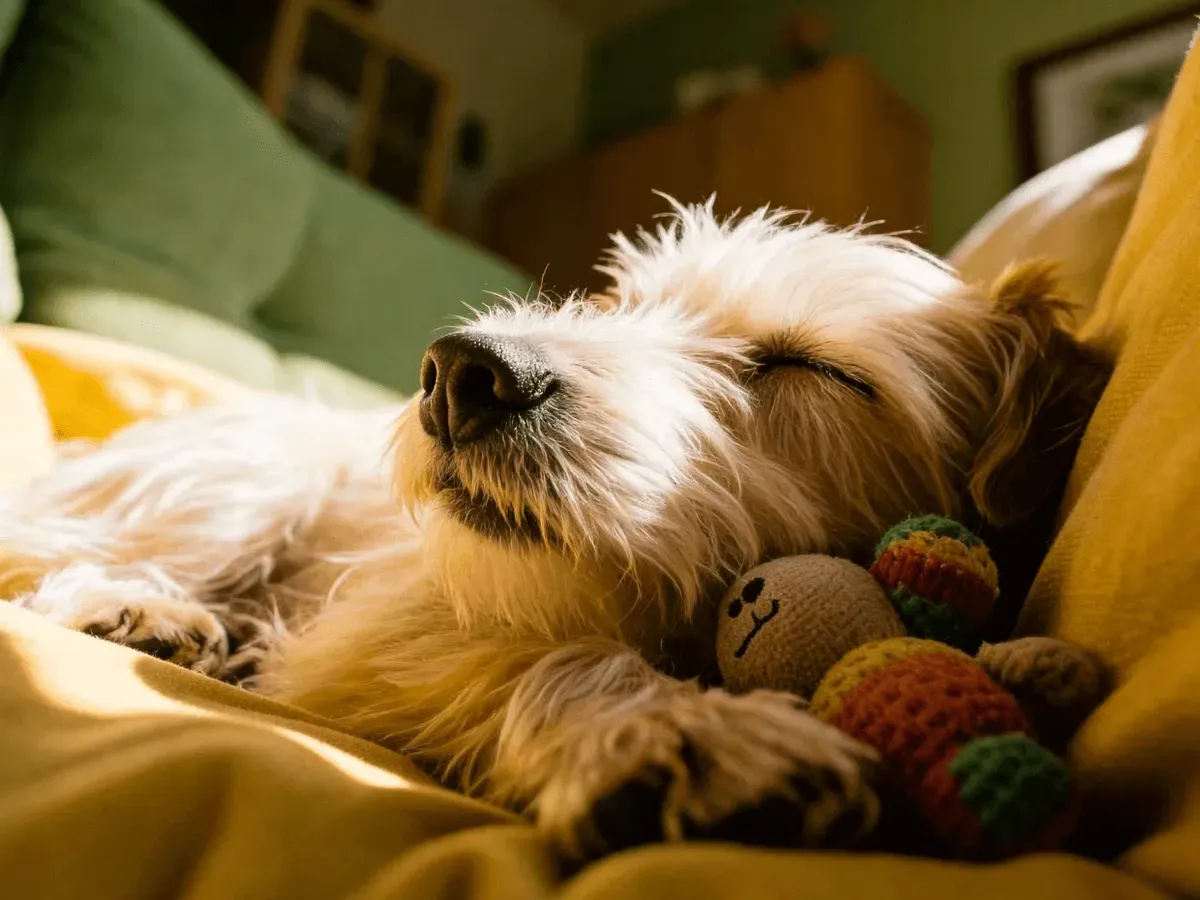
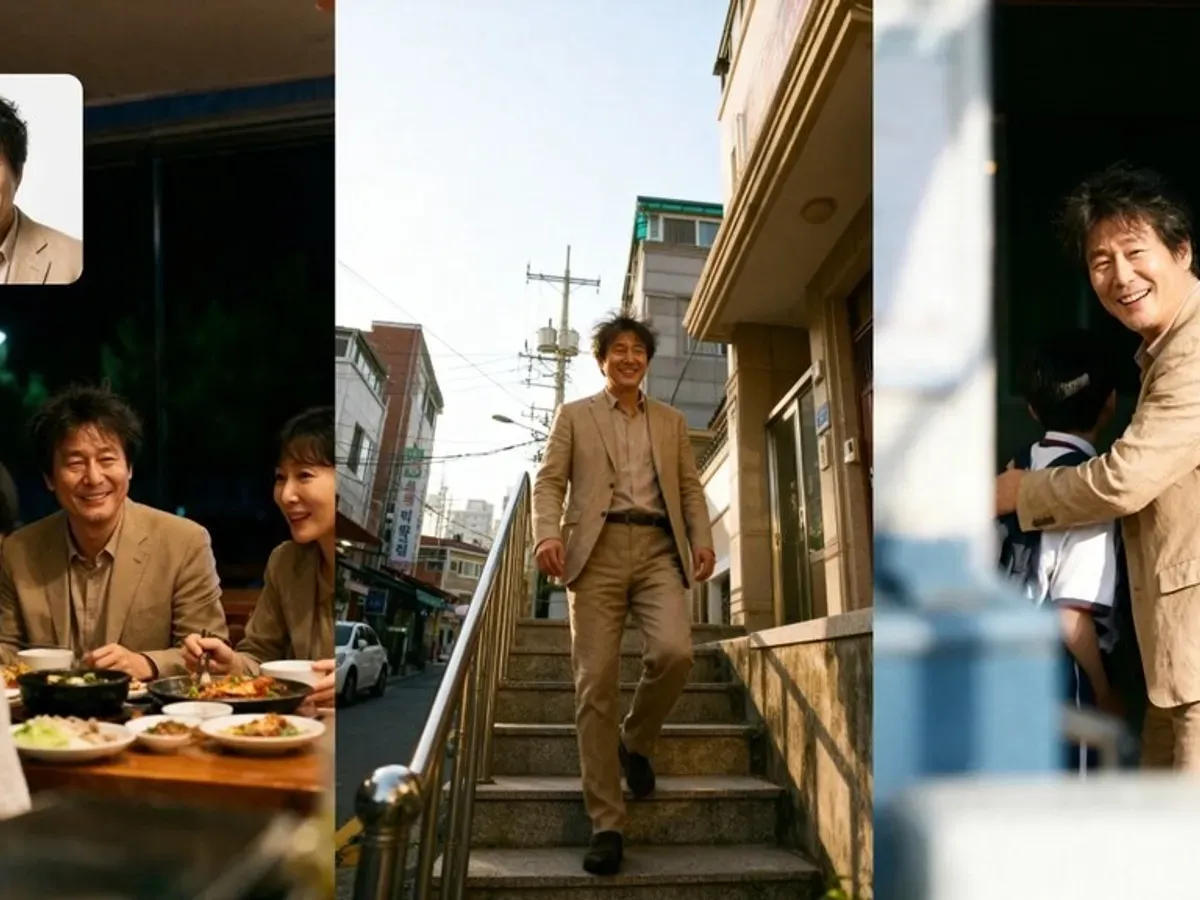
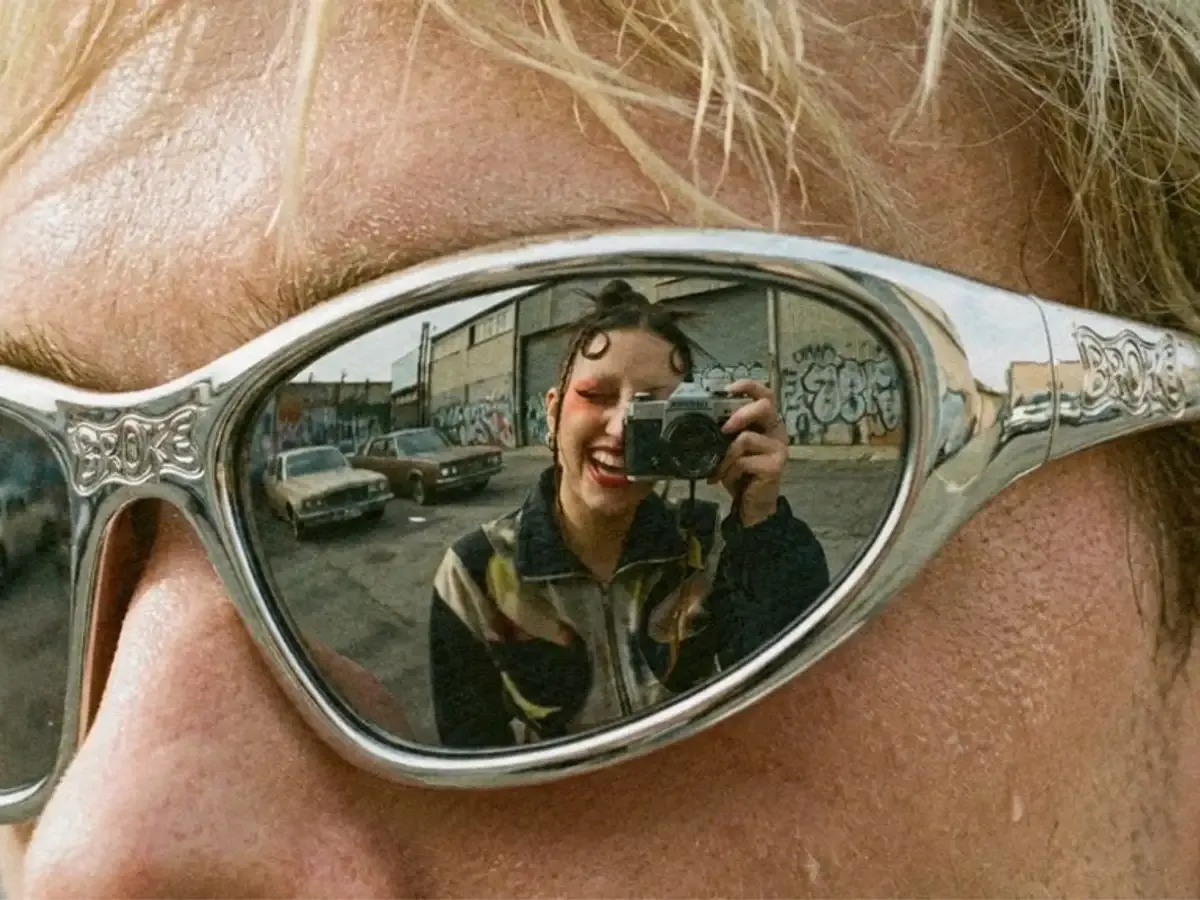
Write the prompt once and generate it on Seedream 5.0 Lite at 1:1, 9:16 and 16:9.
Typical runs
- Square feed post
- Vertical story
- Landscape video cover
- 21:9 profile banner
Three jobs that suit the free 5.0 version.

Run a concept on Seedream 5.0 Lite at 2K with the free starter credits new accounts receive. If the result is close, refine the prompt; if not, change direction before buying a plan.

Upload the product, a model photo and a location as references and describe how they fit together; one edit takes up to 14 images. Selling with the result needs Business-level access.

Keep the prompt and change only the aspect ratio to get 1:1, 9:16 and 16:9 versions of the same idea for posts, stories and video covers.
Seedream 5.0 Lite is the lighter version of ByteDance's Seedream 5.0, and this page opens with it selected. It has two modes. Text to Image builds a picture from a prompt of 3 to 3,000 characters. Image Edit adds up to 14 reference images that the prompt can combine or change. Refer to each image by what it shows, such as 'the red jacket' or 'the beach photo', so the model knows where each element comes from. Choose one of eight aspect ratios and 2K or 4K; 2K runs on the free plan and 4K needs Basic. The credit cost appears before you generate, and failed runs return their credits. For layer splits or longer prompts, switch to 5.0 Pro in the same version bar.
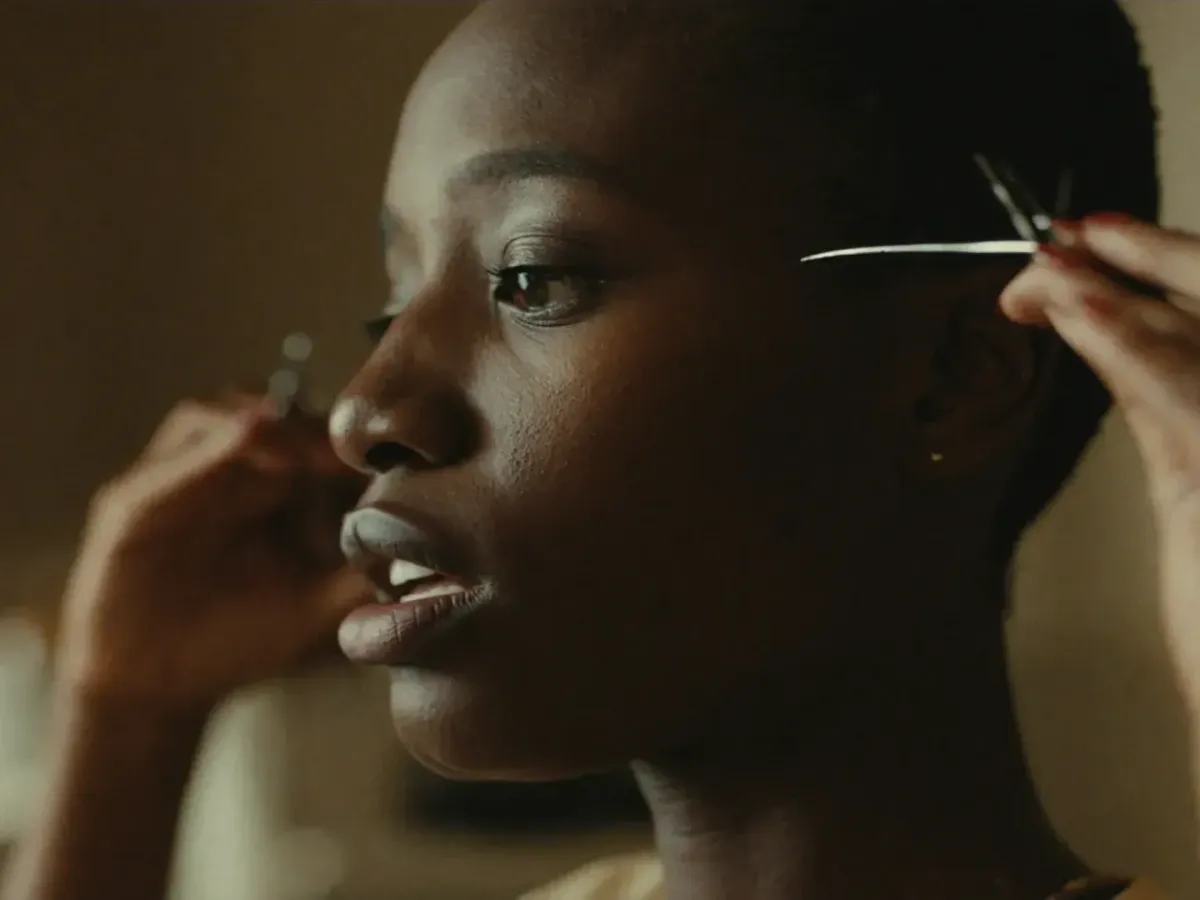
Each tab is one thing the 5.0 Lite version does.
Write a prompt and get a 2K image in any of eight aspect ratios, from square posts to 21:9 banners. It is a quick way to try styles and compositions on the free plan.
2K by Default
The standard output size.
Eight Ratios
1:1 through 21:9.
3,000 Characters
Enough for a detailed brief.
Six capabilities of the 5.0 Lite version.
Text to Image and Image Edit.
4K on the Basic plan.
For multi-image edits.
Including 21:9.
Detailed but focused briefs.
Switch in the same version bar.
Three groups, two workflows each. Brand accounts and shops publishing these images need Business-level access.
Write the prompt once and generate it on Seedream 5.0 Lite at 1:1, 9:16 and 16:9.

Upload three to five photos of the same mascot or presenter and change only the scene each time, so a run of posts reads as one series.

Combine the product, a model photo and a location shot in Image Edit and describe the arrangement.

Upload the current product photo and describe a festive backdrop, keeping the product as it is. Use 4K on Basic if the image will be printed.

Upload a handful of your own sketches and ask Seedream 5.0 Lite for one finished illustration in a consistent style, for personal projects and practice.

Reference one character design and ask for a new pose or expression per run to build a personal character sheet.
Three actions on this page.
Write the prompt and add up to 14 reference images if you are editing.
Choose an aspect ratio and 2K, or 4K on a Basic plan.
Download from My Creations, or swap a reference and run again.
Cost, limits and when to move up.
Yes. Seedream 5.0 Lite runs on the free plan using the 10 credits new accounts receive, valid for 30 days. A 2K image costs 6 credits, so expect one free image before topping up; 4K needs Basic. Free credits are given once, not every day.
Up to 14 in Image Edit, the most of any Seedream version on this site, tied with 4.5. Text to Image needs no reference at all.
ByteDance presents it as the lighter member of the Seedream 5.0 family. Here its strengths are practical: free 2K drafts, many references in one edit and all eight aspect ratios. Results depend on the prompt, so judge it on your own subjects. If a face or likeness drifts, run the same references on 4.5 and compare.
Seedream 5.0 Lite cannot output 4K on the free plan: 4K is a Basic plan feature on 5.0 Lite, 4.5 and 4.0, so free runs stay at 2K.
Prompts need at least 3 characters and can run to 3,000 on this version. If you need more room, 5.0 Pro and 4.0 accept up to 5,000.
Only if you need what Pro adds: Layer Decomposition, longer prompts and its focus on text-dense layouts. Pro outputs at 1K or 2K and starts on Basic, so for 4K or more than 10 references, Lite remains the better fit.
Pages for the next step up.

ByteDance's Seedream 5.0 Lite on the free plan: Text to Image and Image Edit at 2K, up to 14 reference images and eight aspect ratios, from 1:1 to 21:9. 4K output opens on the Basic plan.
0 / 3000